 旋风物语
旋风物语
错误内容:
A TimThumb error has occured
The following error(s) occured:
You may not fetch images from that site. To enable this site in timthumb, you can either add it to $ALLOWED_SITES and set ALLOW_EXTERNAL=true. Or you can set ALLOW_ALL_EXTERNAL_SITES=true, depending on your security needs.
Query String : src=http://img.xiami.net/images/album/img44/64444/3168251369621567_2.jpg&h=123&w=200&q=90&zc=1&ct=1
TimThumb version : 2.8.13
解决方案:
用timthumb生成外链图片的缩略图时出现以上提示,按照提示的办法操作即可:
编辑timthumb.php,找到ALLOW_ALL_EXTERNAL_SITES,把值改为ture


 WordPress解决“Briefly unavailable for scheduled maintenance. Check back in a minute”的方法
 [2023]Easy WP SMTP插件教程设置WordPress网站发送电子邮件
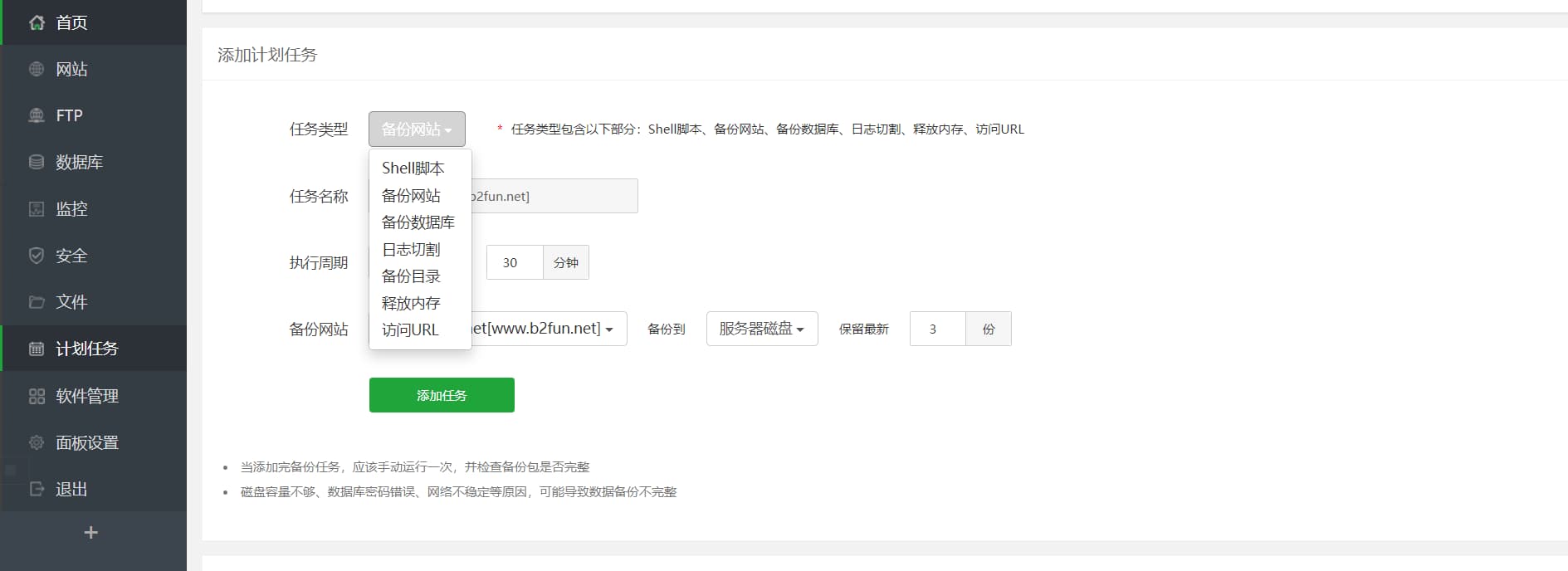 如何利用宝塔给WordPress网站搬家?详细分步教程
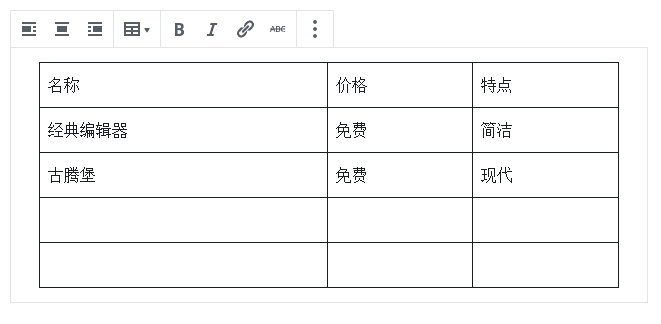 WordPress 插入表格最简单的方法,无需插件!
 WordPress教程|修改网站ico图标
 2026 语音填表工具 TOP5:AI 赋能高效办公,软小星凭全场景适配领跑
 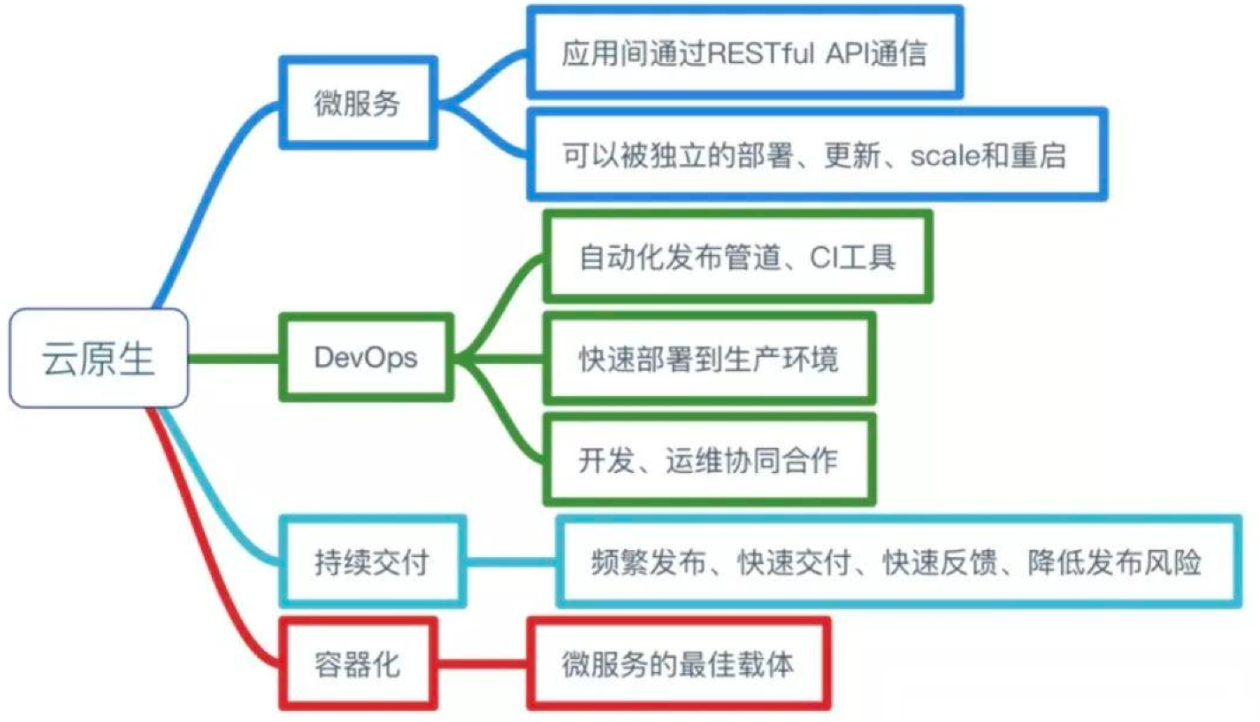 【AI原生】AI原生应用概念
 销售数字化:L2C端到端流程的数字化升级